
From the galleryto the album.
The Mac app photographers use to lay out the printed album and get it approved by the couple.
Join the listComing soon. The list is open.It opens from App Studio, the photographer's app
the chosen photosPhotos
It starts from the couple's hearts.
The couple put a heart on their photos in their own app. You open the album and find them already there, split by gallery and by section.
 ♥
Every feature
- Galleries and sectionsPhotos arrive already sorted.
- Couple's favouritesTheir hearts on top, and the “hearts only” filter.
- Refresh favouritesHow many hearts added, how many removed.
- Mac foldersFolders or single photos: JPG and PNG.
- Collections and starsYour own picks, kept apart.
- Used, not usedAnd in which spread.
- Sort and searchBy capture date, name, orientation.
- Quick previewSpace bar, with the camera data.
- Light copiesOriginals come in only at export.
- Edit in PhotoshopThe photo updates by itself.
- Missing photosThe app finds and relinks them.
- From SmartAlbumsOpens IDML projects.

the first draftAutoLayout
The album arrives already laid out. Then you fix it.
First it reads the day.
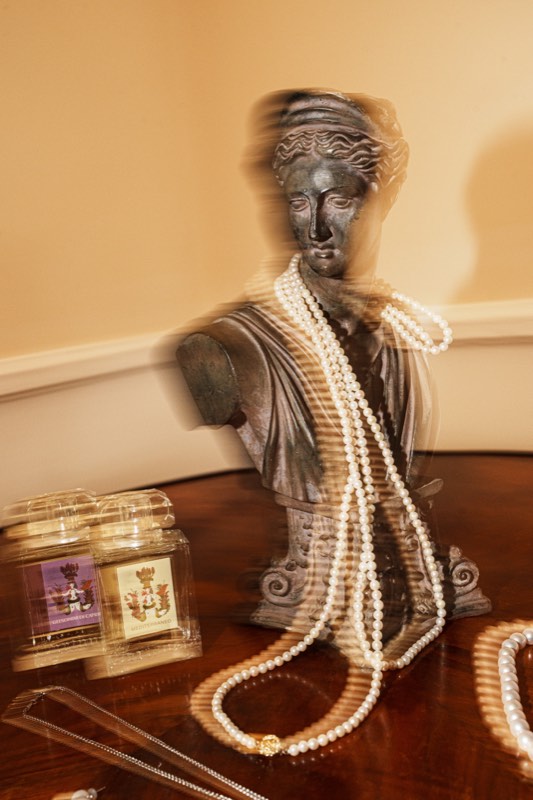
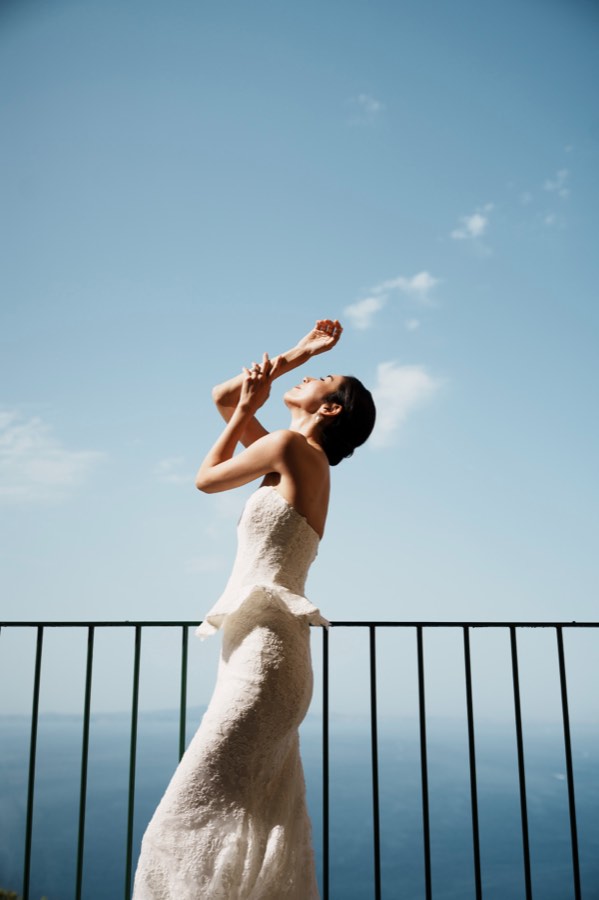
The app looks at every photo in the galleries: the moment, who is there, colour or black and white.
Then it lays them out.
It picks the photos, puts them in order and builds the spreads. The whole album.
You fix it.
“See alternatives” on a photo, “Redo this spread” with another layout. A single undo, and the album is back as it was.












Every feature
- Which photosHearts only, hearts plus the best, or all of them.
- How manyYou decide the number of photos and spreads.
- The questionsA few, with the answer already suggested.
- Your tasteHow much white space, how much black and white, how many details.
- One per burstThe Mac spots near-identical shots.
- Black and white apartNever mixed with colour.
- Your layouts firstThe app tries the ones you saved first.
- Why it's hereThe reason behind every choice.
- Left out by the appA collection, with the reason for each one.
- Touched and untouchedWhich spreads are still the app's.
the patternsLayouts
Every spread has its own layout.
Layouts for every album size. And when you fix one you save it: next time the app starts from yours.
Every feature
- For every sizeFull and airy, full bleed and with margins.
- Three stylesClassic, Editorial, Minimal.
- With textLayouts with the text boxes ready.
- Made to fitDrop in the photos: the app picks the layout.
- MirrorSwaps left and right.
- Save the layoutAs new, or in place of the app's own.
- Your layoutsOn every Mac, for whoever lays out with you.
- Print rulesWhen you save, the app checks and warns you.

the workbenchSpread
Every photo in its place.


Every feature
- Enlarged too much?The app warns you, and shows the PPI.
- Mirror the photoHorizontally or vertically.
- BackgroundA colour or a photograph.
- Gap and marginSet for each album.
- Several photos at onceMoved and resized as a group.
- LockA photo, a text, the background.
- Rulers and measuresIn centimetres.
- LayersBring forward, send backward.
- Copy and pasteA photo, even as a background.
- The spreadsNew, duplicate, empty, delete, reorder.
- Undo and redoUp to 60 steps.
- AutosaveWith a backup copy.
- Zoom and clean viewUp to 400%. And the spread as it will print.
the wordsType
Titles, captions and magazine pages.
Write straight on the spread. The text style holds for the whole album; a single box can have its own.
Every feature
- Four rolesTitle, subtitle, body, caption.
- Font pairsSeven, already matched. Eighteen families.
- Your fontsFrom the Mac, or loaded from a file.
- Free stylingColour, alignment, line height, spacing.
- ShadowThe same on screen and in print.
- If it doesn't fitThe text tightens, then the box warns you.
- OrnamentsLines, icons, flourishes. And your own images.
- People in front of the textThe text passes behind whoever is in the photo.
- Magazine templatesEleven pages, in Italian or in English.
- Test pageTo send to the lab.
with the coupleReview
The couple review and approve online.
The album lives online. The couple open it from their app, change a photo, leave a comment. You answer from here.
123- 1
We'd like the one with the grandparents here.
Commentfixed - 2
We swapped these two.
Couple's changeseen - 3
One more spread for the party?
Requestdone
Every feature
- Send to the coupleThey get a notification, with a short message.
- From their appThey replace, swap, reframe.
- The couple's changesEvery change, with “undo”.
- RequestsOne more spread, or one fewer.
- The comment threadPer spread and per photo.
- Marks on the spreadsWhere they made changes.
- Taking turnsThe album belongs to whoever is changing it.
- OfflineChanges go out when the connection is back.
- Bell and emailWhen the couple change the album.
- ApprovedThe album locks for print.
- Duplicate albumAnother size, or the parents' album.
to printPrint
From the screen to paper.
Choose the size and the file type. Before exporting the app warns you: photos enlarged too much, missing photos, texts, couple's changes still to look at.
Every feature
- Twelve sizesFrom 40 × 30 to 90 × 30 cm. Or your own.
- JPG or PDFOne file per spread, or a single PDF.
- Single pagesEach spread as two single pages.
- DPI of your choice300 to start with.
- Quality and sharpnessSet them when you export.
- sRGBThe colour profile inside the file.
- Your presetsThe sizes you use most.
- Updates itself“Update and restart”.
- Download from App Studio coming soonFor Mac.
JoinFoundersList
Join the list: the first to join build it with us.
The App Album is coming, for Mac: you can't download it yet. It's only the beginning: those who join now help us make it better.R.S.V.P.
Colophon
Born from a group of professionals in the field: photographers, wedding planners and real couples. Real experience, real needs, on the ground.
Ten years of experience on the ground.
- App Studiofor photographersEvery feature
- App Plannerfor wedding plannersEvery feature
- App Myfor couplesEvery feature
- App Guestfor guestsEvery feature
- App Vendorfor vendorsEvery feature
Join the list: the first to join build it with us.
Join the list